
Tax & Compliance
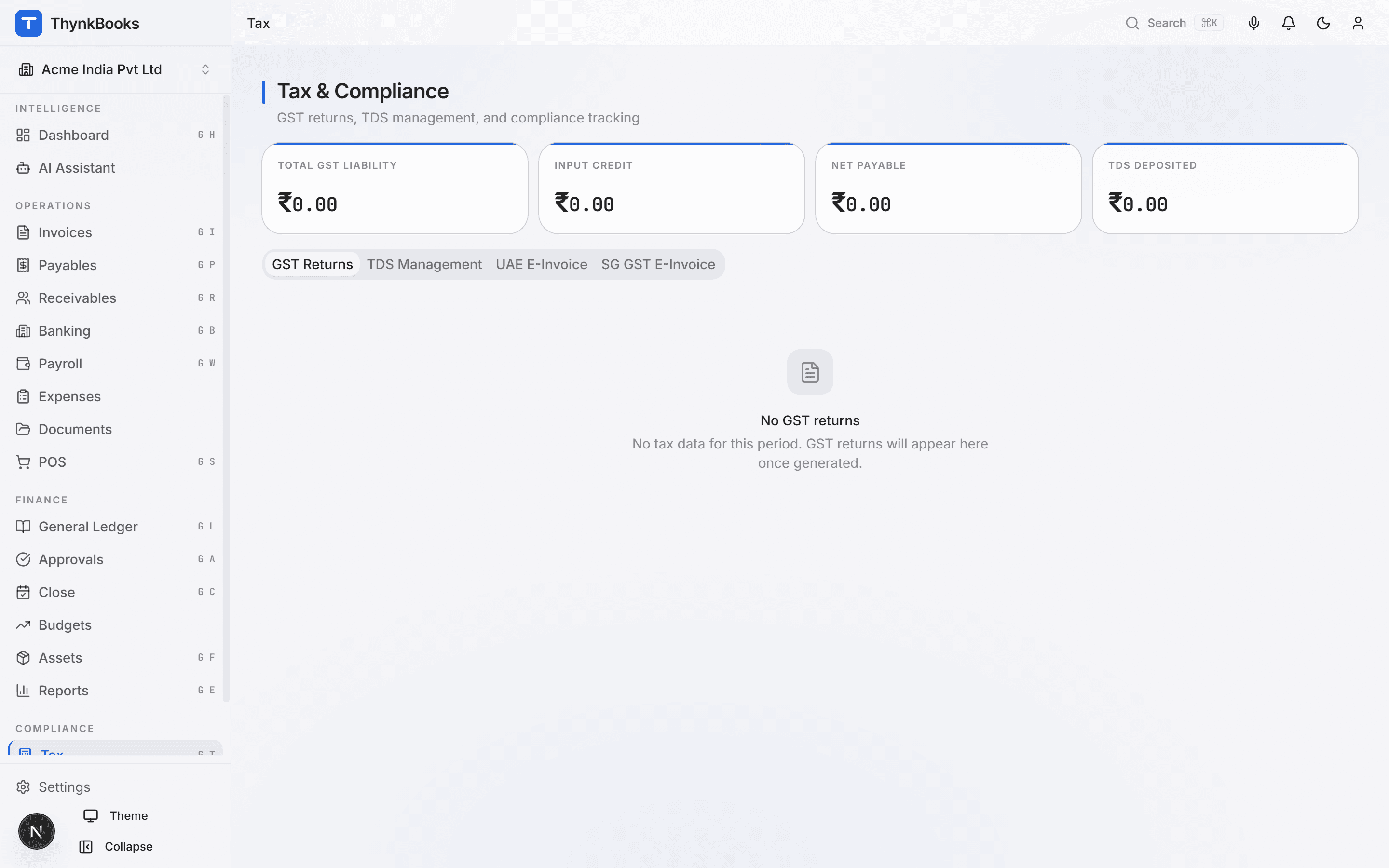
Multi-jurisdiction tax engine covering India GST, TDS, UAE VAT, Singapore GST, UK MTD, and EU VAT OSS - so you file on time, every time.
Key Capabilities
Compliance without complexity
Indian GST Suite
Auto-generate GSTR-1 from sales invoices, reconcile GSTR-2B against purchase entries, compute GSTR-3B liability, and prepare the annual GSTR-9 return. ITC matching alerts surface mismatches before the filing deadline.
TDS Management (11+ Sections)
Calculate TDS under sections 194C, 194J, 194H, 194I, 194A, 194Q, 194R, 194S, 195, 206C, and 192. Track lower-deduction certificates, generate Form 26Q/24Q data, and reconcile with Form 26AS/AIS.
UAE VAT
Apply 5% standard rate or zero-rate based on supply type. Generate VAT 201 return data with Emirate-level breakdowns. Handle designated-zone transactions and tourist-refund schemes.
Singapore GST
Manage standard-rated, zero-rated, and exempt supplies. Prepare GST F5 and F7 return data. Handle overseas vendor registration and reverse-charge rules for imported services.
UK MTD & EU VAT OSS
File quarterly VAT returns digitally under HMRC Making Tax Digital. For EU cross-border B2C sales, compute OSS liabilities by member state and generate the single OSS return.
Reverse Charge Mechanism
Automatically apply RCM on specified goods and services. ThynkBooks records both the output tax liability and the input tax credit in a single journal, ensuring your returns are always balanced.
How It Works
From transaction to return in three steps
Transact Normally
Record sales, purchases, and expenses in any ThynkBooks module. Tax rules are applied automatically based on the transaction type, counterparty jurisdiction, and applicable HSN/SAC codes.
Review & Reconcile
Before filing, ThynkBooks runs a pre-flight check - matching your books against government portal data (GSTR-2B, Form 26AS). Discrepancies are highlighted with suggested corrections.
File & Archive
Generate the return in the required JSON/Excel format. After filing, record the acknowledgment number and archive the signed return with a timestamp in the audit trail.
Integrations
Tax data from every module
Sales tax comes from AR and POS. Purchase tax from AP. TDS from Payroll and AP. Everything consolidates here for filing.
Never miss a filing deadline
Automate GST, TDS, and VAT compliance across every jurisdiction you operate in.