
Expense Management
From receipt to reimbursement in minutes. Policy-compliant, fully auditable, and posted to your ledger without a single spreadsheet.
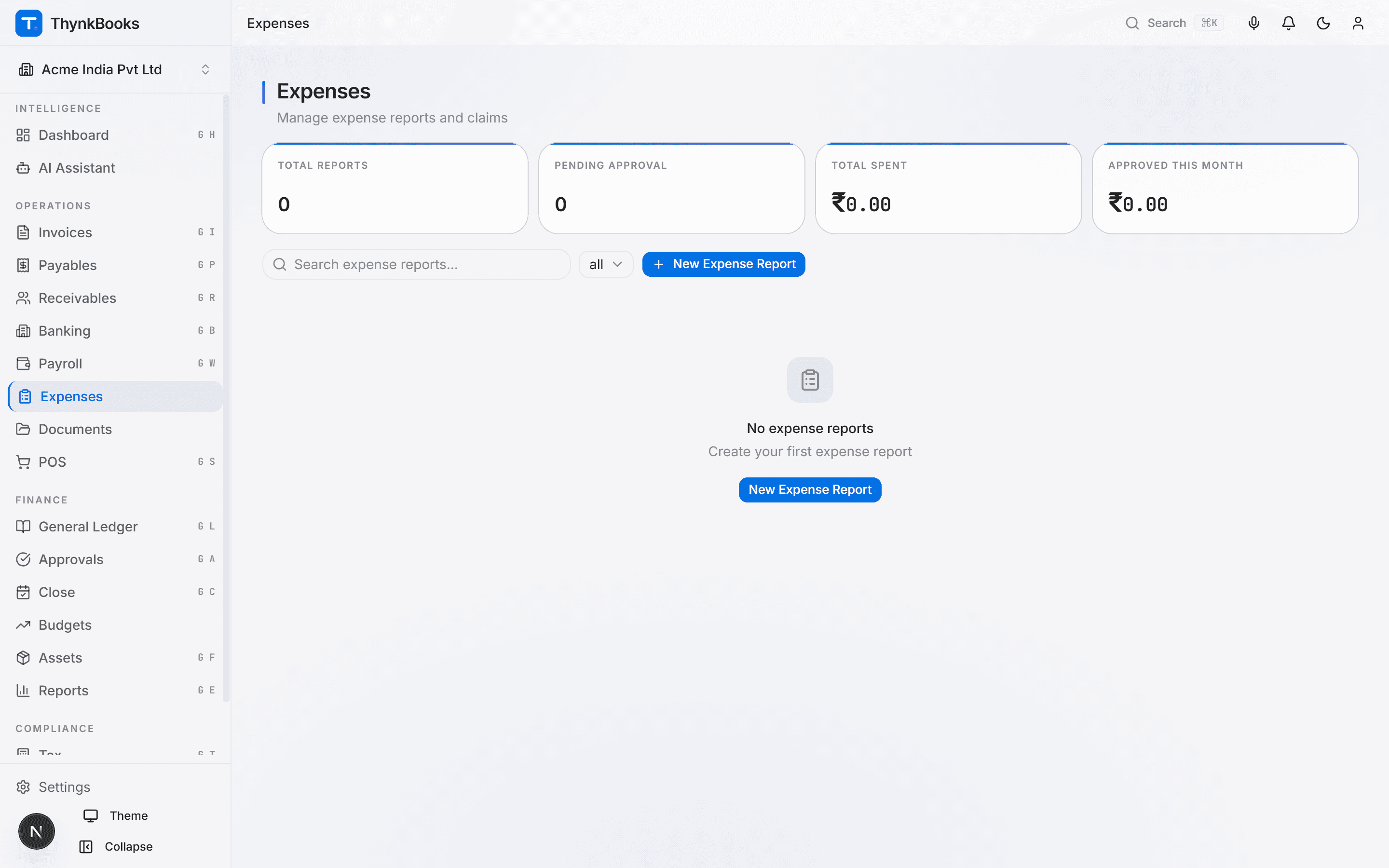
Key Capabilities
Expenses under control
Expense Reports
Employees create expense reports by category - travel, meals, supplies, client entertainment - with line-item details. Reports bundle multiple expenses into a single approval request for efficient processing.
Receipt Capture & OCR
Snap a photo of any receipt. ORIS AI extracts the vendor name, date, amount, GST details, and expense category automatically. No more lost receipts or manual data entry at month-end.
Policy Enforcement
Define spending limits by category, role, or project. ThynkBooks flags violations in real time - over-limit meals, unapproved vendors, or duplicate submissions - before the report reaches an approver.
Approval Workflows
Route expense reports through configurable approval chains based on amount, department, or expense type. Approvers can review, comment, and approve from their mobile device or email.
Reimbursement Processing
Approved expenses are queued for reimbursement. Generate a bulk payment file for NEFT or UPI, or integrate with the next payroll run. Employees see reimbursement status in real time.
GL Posting & Analytics
Every approved expense creates a journal entry in the General Ledger with the correct expense head and cost centre. Dashboards surface spending trends, top categories, and budget utilisation.
How It Works
Three steps to hassle-free expenses
Capture Expenses
Photograph receipts or forward email receipts to your ThynkBooks inbox. AI extracts the details and creates draft expense lines. Review, adjust if needed, and add them to a report.
Submit & Approve
Submit the expense report. ThynkBooks checks it against company policy, flags exceptions, and routes it to the appropriate approver. Approvals happen in one tap.
Reimburse & Post
Once approved, the expense posts to the General Ledger and the reimbursement is scheduled. The employee receives payment in the next payment cycle with full transparency.
Integrations
Plugged into your finance stack
Approved expenses post to the General Ledger. Reimbursements flow through Banking or Payroll. Vendor expenses link to Accounts Payable.
Simplify expense reporting
Ditch the spreadsheets. Capture, approve, and reimburse - all in one place.